As a Microsoft Dynamics user, you've already seen how great software can grease the wheels. Now is the time to up the ante and integrate EDI with an API into your software. (If these terms sound like Greek to you, see The ABCs of EDI and How BOLD VAN's API Can Improve Workflow.)
Without an API, someone on your team is needed to incorporate a translated file into Microsoft Dynamics. Wouldn't it be marvelous if this task just happened in the background?
BOLD VAN's Microsoft Dynamics API can do just that. Here's how it works: When your client places an order, EDI data goes to BOLD VAN where the API plucks the information into your Microsoft Dynamics packet; the order then appears as a sales order and is ready to be processed. BOLD VAN's API does all the work; this includes purchase orders, outbound invoices, advance ship notices, and more.
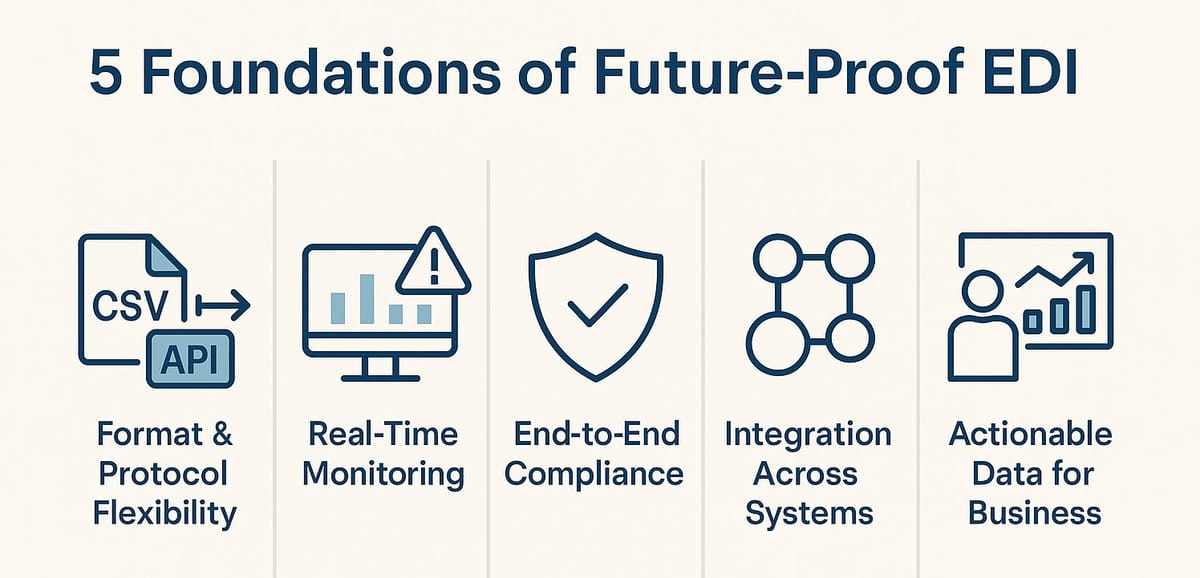
An API integration brings many advantages to your business. First and foremost, You'll enjoy the increased security and privacy that comes with seamless data transmission.
Also, incorporating EDI with an API will provide the ability to package shipments directly in Microsoft Dynamics. This is a huge simplification in the order fulfillment process.
Speed and accuracy are increased significantly because order processing will not lag and human error is removed from the equation.
• Increased Security/Privacy
• Auto-Pack Capabilities
• Saves Time & Money
• Less EDI Chargebacks
• One Point of Entry
You will experience less EDI chargebacks — the fees that are issued when customers don't comply with your EDI requirements. This is a result of the EDI validating fields before sending transactions. When a field has missing data, the system highlights it. Items such as unit pricing or purchase order numbers are all verified before processing through Microsoft Dynamics. Thus, accurate information is pushed through and chargebacks are lessened.
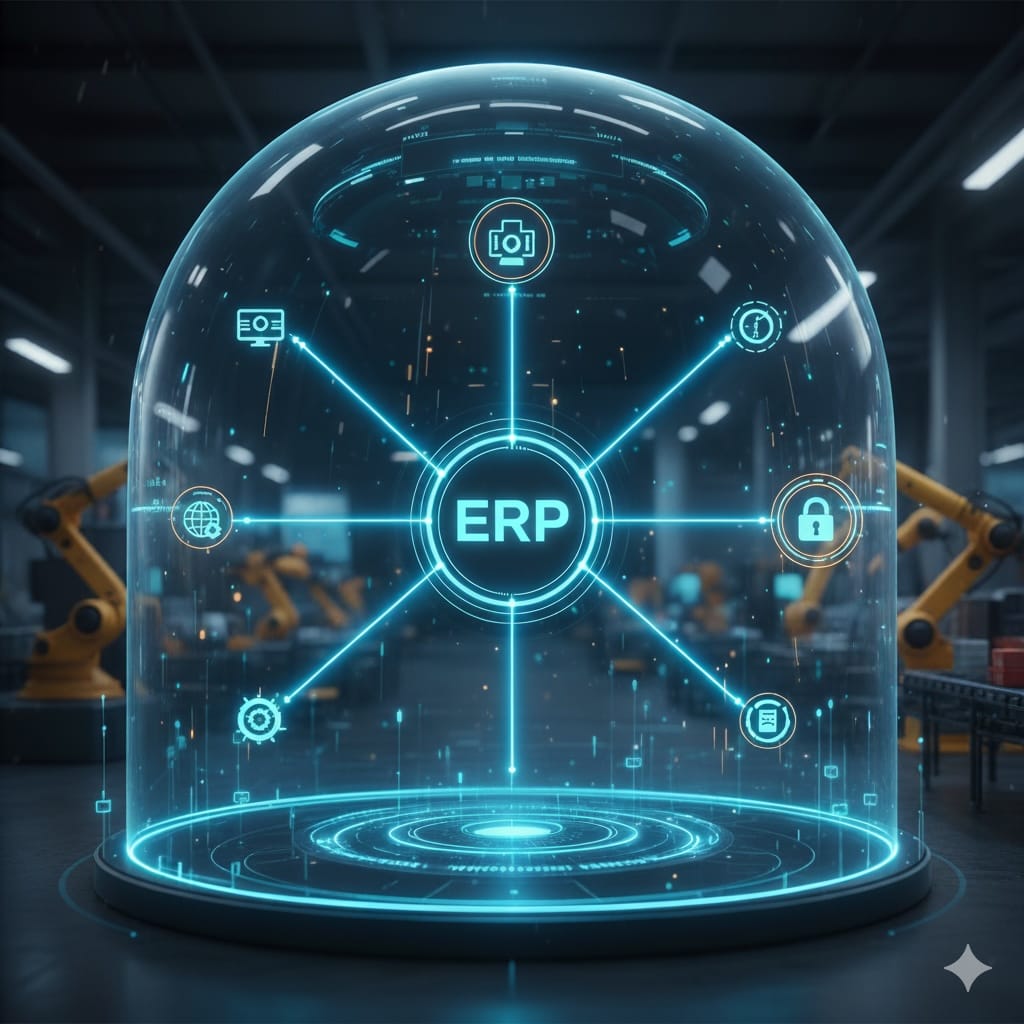
Finally, my personal favorite perk of this integration (drum roll, please): no more toggling back and forth between EDI and ERP systems. You'll interact with both your EDI system and Microsoft Dynamics from the same location — within Microsoft Dynamics.
To learn more about how to add EDI/API into your Microsoft Dynamics workflow, contact BOLD VAN: call 844-265-3777, email info@boldvan.com, or start your three-month trial.


This guide covers how EDI 850 JSON mapping enables seamless integration between supply chain partners and modern APIs. Learn why careful mapping is required, common pitfalls, and best practices for reliable order processing.