In this article
Many businesses ask how to stop manual file uploads when sending EDI 846 inventory updates from major ERPs like SAP or NetSuite. True automation means your EDI platform pulls inventory directly from your system, translates it to a compliant 846, delivers to each trading partner, and monitors every transaction—all without anyone exporting, emailing, or uploading files by hand. BOLD VAN is built for this level of automation, especially for manufacturers and distributors using NetSuite or SAP, with a consistent focus on smooth migration, transparency, and robust support.
What to demand from an EDI 846 inventory update platform
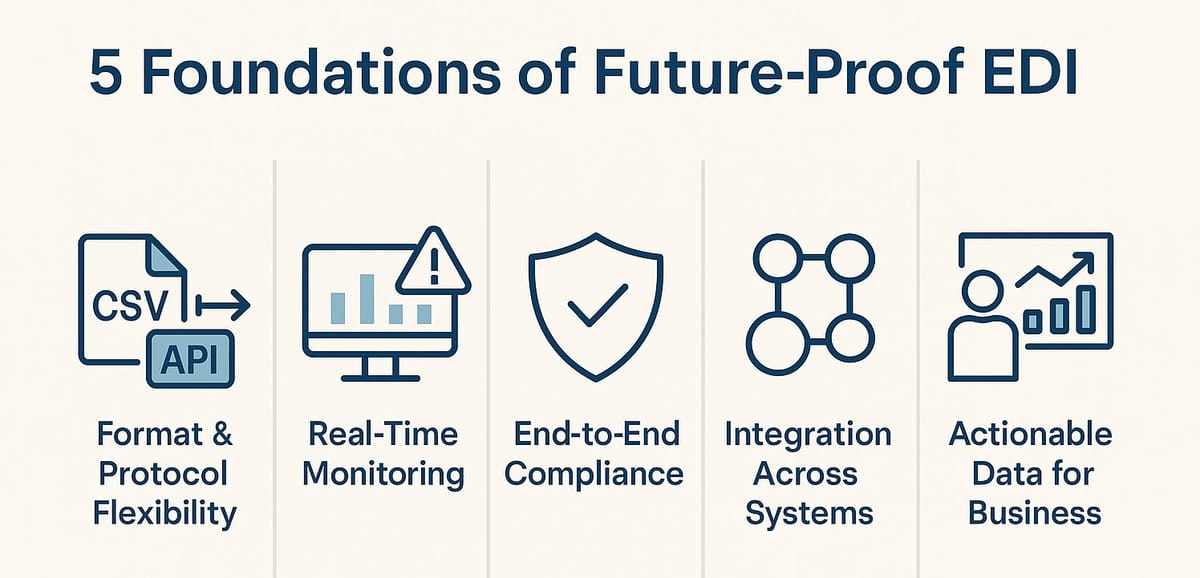
The "best" EDI platform for automated EDI 846 is one that fully eliminates error-prone, manual file handling. Here are core outcomes decision makers should look for:
- Direct, real-time data extraction from SAP or NetSuite
- X12 846 translation with partner-specific mapping controlled centrally
- Secure, fully automatic transmission via VAN, AS2, FTP, or HTTP/S
- Full monitoring, alerts, and long-term archiving accessible via a portal
- Pricing designed around trading partners, not unpredictable document counts
The EDI 846 Inventory Inquiry/Advice enables you to automatically communicate accurate inventory availability to every trading partner, helping prevent over-orders, customer frustration, and costly chargebacks. Regular, automated updates also improve trading partner relationships and operational agility.
For any team with more than five partners expecting inventory updates, a workflow that still includes exporting or uploading files is a major risk. Modern EDI solutions, like BOLD VAN, help recover staff hours and reduce mistakes by ensuring every inventory update is handled automatically.
Essential EDI 846 platform capabilities
| Capability | Why it Matters | What to Look For |
|---|---|---|
| ERP Integration | Eliminates manual exports, reduces errors | BOLD VAN has prebuilt connectors for NetSuite and SAP for direct data pulls |
| Automated Triggering | Retailers need timely updates, not daily batches | Schedule by interval or event (stock changes), with flexibility per partner |
| Partner-Specific Mapping | Every retailer has different data expectations | BOLD VAN customizes document structure, qualifiers, and rules as needed |
| Secure Protocol Choice | Partners may use different connections | Universal support for AS2, FTP, HTTP/S, and VAN interconnects |
| Visibility and Archive | Auditing and troubleshooting require easy access | BOLD VAN portal offers 90-day online access and seven-year archive |
| Scalable Pricing | Frequent updates can mean high transaction counts | Predictable, per-partner pricing and no hidden fees |
NetSuite and SAP EDI 846 automation with BOLD VAN
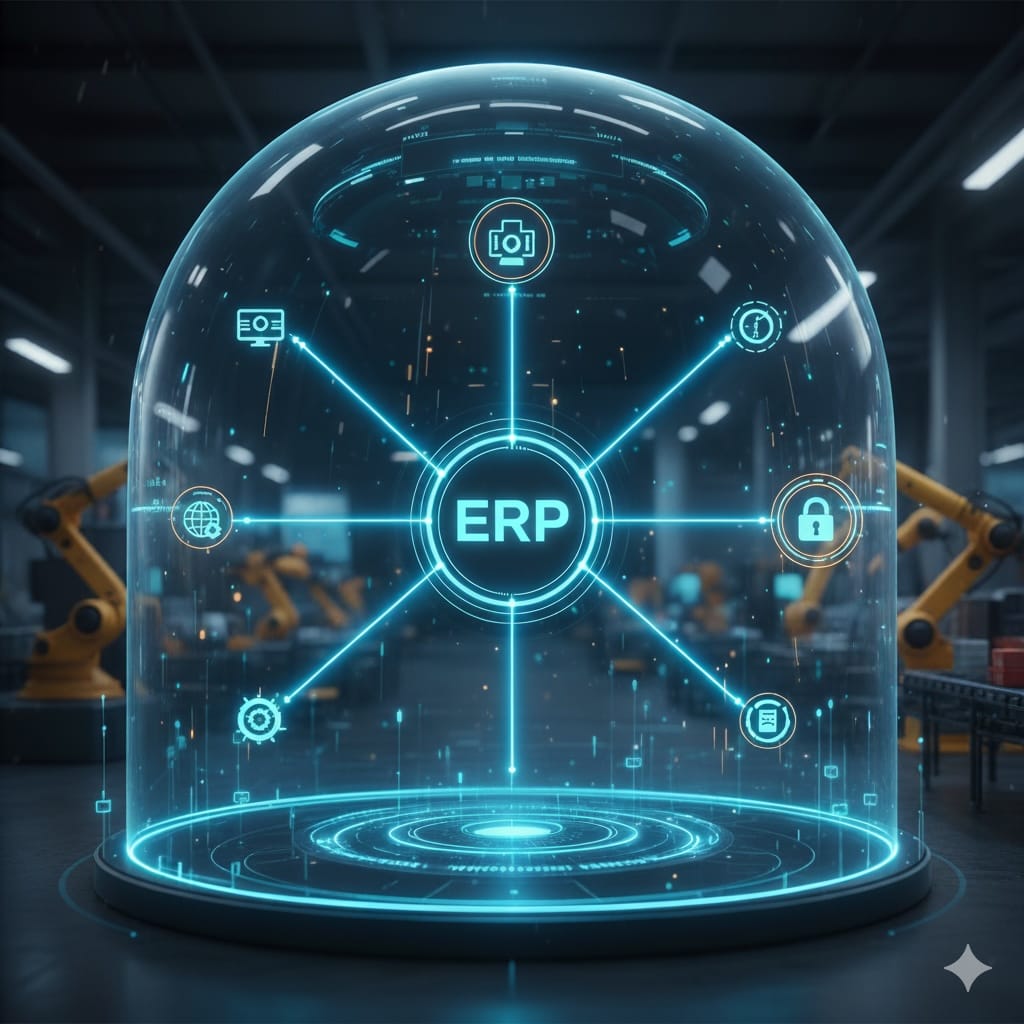
BOLD VAN streamlines NetSuite and SAP EDI integration, turning manual exports into fully automated processes. For NetSuite, the platform uses a prebuilt, cloud-based connector that extracts inventory information on your chosen schedule or event. There are no interim flat files to handle, and no uploads—inventory data flows straight from NetSuite into the correct EDI 846 format, then routes to each partner using the right protocol. SAP users benefit from a direct integration approach that supports IDoc, BAPI, and other standard interfaces, producing and transmitting 846s automatically from master inventory records.
BOLD VAN is designed to handle the full suite of EDI documents from NetSuite and SAP, not just 846 inventory updates. This ensures consistency and single-platform control across your entire EDI program, including transactions like 850 purchase orders, 856 advance ship notices, and 810 invoices. You can learn more about EDI automation for inventory and orders in our Cloud EDI for NetSuite Inventory and Order Workflows guide.
If your EDI program relies on manual uploads for inventory advice, talk to your IT or EDI team about transitioning to recurring, fully automated transmission. After implementation, no member of your team should have to download, email, or upload files for 846 inventory advice—regardless of the number of partners you support.
Sample EDI 846 automation workflow (NetSuite-to-trading partner)
- Define which inventory fields and locations get reported.
- Set the update frequency (for example, every 30 minutes during the workday).
- BOLD VAN connector extracts live inventory from NetSuite or SAP.
- The system generates EDI 846, applies each partner's mapping, and sends over AS2, VAN, FTP, or HTTP/S.
- All sent, received, and acknowledged 846s are visible via the portal for 90 days, with searchable archive for up to seven years.
Designing a file-free EDI 846 workflow
A robust EDI 846 solution relies on careful process definition up front. Here’s how many successful companies approach this transformation:
- Define the inventory records to report: Native NetSuite item/location fields or SAP plant/material-level details.
- Agree on quantities with finance and operations: On Hand, Available to Promise, On Order, and which locations to include.
- Create a mapping matrix: Note each retailer’s unique 846 requirements, including segment details and timing.
- Choose transfer frequency: High-velocity retailers may expect 15-minute updates, while others require only two per day.
- Configure and test the integration: Map fields from ERP to 846 X12, then test with a few core trading partners.
- Roll out: Once pilot partners are live and accurate, expand to all supported trading partners with optimized workflows.
Why trading partner-centric VAN platforms simplify EDI 846
Value Added Networks (VANs) provide one point of control, so your ERP only connects once. BOLD VAN handles all partner-specific connections, protocols, and formats, centralizes monitoring, and archives everything for compliance or auditing. This is especially useful if your trading partners range from retailers to 3PLs to distributors, all demanding regular inventory updates.
Our team enables rapid onboarding, trading partner-specific mapping, and real-time monitoring via the BOLD Manager portal. No matter which system you run (SAP, NetSuite, others), the overarching goal is the same—remove manual uploads, automate everywhere, and ensure each inventory update is accurate and acknowledged.
Cost, risk, and migration questions for decision makers
Most CFOs and IT leaders want cost certainty, minimal disruption, and zero surprises. Here are common questions we address:
How does the pricing scale?
BOLD VAN uses trading partner-based pricing with no surprise transaction overages, supporting unlimited document volumes. This predictability protects budgets when you add more partners or increase update frequency.
What about migration risk?
Switching away from manual processes does not require partners to change their IDs or addresses. Our migrations for SAP and NetSuite are designed for zero downtime with no service interruption, drawing on our experience supporting transitions for customers like Razor USA, Spanx, Endust, and Torani. These brands have migrated high-volume EDI environments to BOLD VAN in as little as one to three days, improving cost and visibility while maintaining full compliance.
What support will we get day to day?
As your partner, we offer real-time troubleshooting through the BOLD Manager portal with 24/7 on-call support for urgent issues and a guaranteed rapid response for any inventory update failures. Our approach is to be a collaborative extension of your IT and EDI teams, offering both expertise and transparent processes at every stage.
Many organizations find that eliminating manual inventory uploads recovers 15 to 20 staff hours each month and reduces errors that can lead to retailer chargebacks or missed sales.
Implementation checklist and go-live timeline
If your goal is to automate EDI 846 from SAP or NetSuite this quarter, here is a proven timeline and checklist you can follow with BOLD VAN:
Pre-project: 1-2 weeks
- Identify all trading partners needing EDI 846 updates
- Collect current exports or spreadsheets for mapping
- Define inventory logic with supply chain and finance
Integration and mapping: 2-4 weeks
- Connect BOLD VAN to your SAP or NetSuite instance
- Configure data extraction queries or APIs
- Map and test 846 format with core internal test partner
- Adjust requirements for top retailers
Pilot: 2 weeks
- Test automated 846s versus old manual files in parallel
- Validate format and receipt by trading partners
- Tune frequency and monitoring rules
Rollout: 2-4 weeks
- Switch off manual uploads, enable automation per partner
- Train team on portal monitoring and troubleshooting
- Add remaining partners
Many businesses using BOLD VAN complete this automation in 6-10 weeks, with no partner re-onboarding or service disconnects. For more details on the full VAN capabilities and approach, see our Value Added Network guide.
Frequently asked questions
Can I automate EDI 846 from NetSuite without building my own integration?
Yes. BOLD VAN provides cloud EDI that connects directly to NetSuite and can generate and transmit EDI 846 inventory updates automatically on a scheduled or event driven basis without building custom integration code. Inventory data is pulled from NetSuite, translated to EDI, and sent to trading partners with no manual file uploads.
How often should I send EDI 846 inventory updates?
The best frequency depends on your product mix and retailer needs, but many choose a schedule of every 30 to 60 minutes for high-volume channels and two to four times daily for others. Your EDI platform should automate these intervals completely.
Do I need a VAN to send EDI 846, or can I use AS2 only?
Either approach works, but using a VAN with support for AS2, FTP, and other protocols gives you a single point of control and the flexibility to meet any trading partner requirements. BOLD VAN supports all common protocols and routing methods.
Will I have to ask my trading partners to make changes if I move to BOLD VAN?
Usually not. BOLD VAN migrations are designed so your partners continue using their current connectivity settings. Our implementation mirrors IDs and communication paths, with no extra effort or change requests needed for your partners.
How long does it take to go live with automated EDI 846?
Timelines vary, but most teams complete the transition from manual to automated EDI 846 in 6 to 10 weeks, covering integration, mapping, pilot testing, and rollout—all without disruption to trading partners.