
In this article
Every EDI-driven manufacturer or distributor working with X12 transactions must understand the detailed mechanics of the EDI 997—especially its AK1, AK2, AK5, and AK9 segments. These four components provide a technical audit trail confirming whether your outbound purchase orders, ASNs, and invoices were received, parsed, and structurally validated by a trading partner. By focusing on these segments, your team can quickly identify the control number of a failed transaction, the reason for failure, and the effects on downstream business. At BOLD VAN, we guide clients through these segments daily, ensuring maximum visibility and fewer EDI surprises.
Key Roles of AK1, AK2, AK5, and AK9 Segments in 997 Acknowledgments
In every 997 Functional Acknowledgment, four data segments unlock reliable monitoring for critical business documents:
- AK1: Identifies the functional group (GS/GE envelope) being acknowledged.
- AK2: Points to the individual transaction set (ST/SE envelope) within the group.
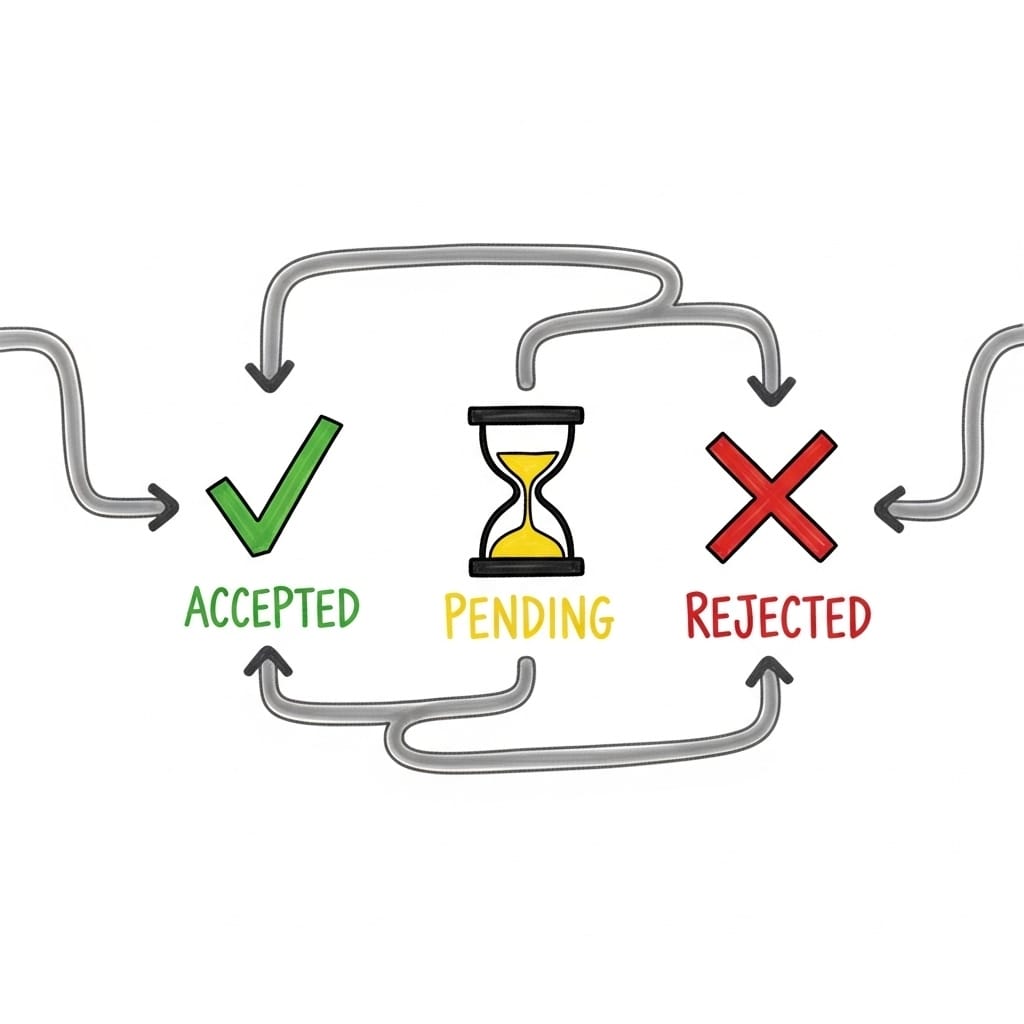
- AK5: Conveys the transaction set status (accepted, accepted with errors, or rejected).
- AK9: Provides the overall group acknowledgment, summarizing counts of accepted, received, and failed transactions.
For busy EDI teams, these segments form the checklist for daily batch health and as a fast diagnostic tool. AK9 reveals at a glance whether a full batch succeeded or failed. AK5 quickly tells you which document triggered an issue. According to BOLD VAN's own customer case studies, companies like Razor and Spanx have leveraged this segment-level transparency to slash chargeback risk and accelerate EDI troubleshooting cycles.
Remember: AK9 is your go/no-go for the group, while AK5 splits out success or failure on every single order, invoice, or ASN in the file. AK1 and AK2 act as the address labels connecting each result to your original transmission.
| Segment | Main Function | Key Operational Question |
|---|---|---|
| AK1 | Functional group reference | Which GS/GE (batch) is this 997 for? |
| AK2 | Transaction set reference | Which PO, invoice, or ASN does this result cover? |
| AK5 | Document status within group | Was this transaction accepted, flagged, or rejected? |
| AK9 | Overall group summary | Did the group pass or fail? How many documents were accepted? |
Step-by-Step Breakdown: How Each Segment Works
Understanding AK1: The Functional Group Response Header
AK1 marks which batch your 997 response is referencing. AK101 matches your GS01 transaction type (PO for 850s, IN for 810s) and AK102 matches your GS06 batch control number. In BOLD VAN's AI portal, you can instantly filter control numbers to confirm that every outbound group generated a response—vital for monitoring unconfirmed EDI batches that put orders or payments at risk.
AK2: Transaction Set Response Header
AK2 identifies each individual document (PO, invoice, ASN) being acknowledged. AK201 matches the X12 document type (such as 850, 856), while AK202 matches the ST02 unique transaction number. For teams required to prove delivery of every PO or ASN to retailers, these pairs are essential. In cases where a trading partner returns only a summary 997 (no AK2/AK5), you lose line-item traceability and must manually research which transaction failed.
AK5: Transaction Set Response Trailer
AK5 delivers the verdict for each transaction set, using codes like "A" (accepted), "E" (accepted with errors), or "R" (rejected). An "A" here means the document was structurally valid to the recipient's system—it may still fail downstream business edits, but the X12 envelope checks out. An "E" triggers follow-up review of AK3/AK4 for specific error details; an "R" must be triaged and usually re-sent after corrections. At BOLD VAN, customers often target AK5 code dashboards to instantly alert on rejected or errored documents.
AK9: Functional Group Response Trailer
AK9 summarizes the result for the whole batch. AK901 signals group status (A = accepted, E = accepted with errors, P = partially accepted, R = rejected) and AK902-AK904 detail transaction counts. A match in AK902 (sent) and AK904 (accepted) with code A confirms a fully successful batch. Mismatches show you immediately whether to investigate broader connectivity or mapping problems. Many BOLD VAN clients set up automated reports using AK9 as their primary monitoring trigger to stay ahead of batch-level failures and avoid silent revenue losses.
Best Practices for Using 997 Data to Reduce Risk and Chargebacks
- Automate control number reconciliation: Leverage filtering and control number searches in your EDI portal so every outbound GS06 has a matching responded AK1.
- Scan for unacknowledged groups daily: Missing 997s can lead to missed orders or invoices. Use monitoring in BOLD VAN’s portal to catch non-responses automatically.
- Leverage AK2/AK5 for granular root cause: When AK9 is not "A," use AK2/AK5 to pinpoint the exact transaction and reduce manual triage. In high-volume retail/3PL settings, this cuts chargeback and research time significantly.
- Demand detailed 997s from partners, not just summary: Many businesses find that requiring AK2/AK5 data from partners provides document-level audit trails essential for dispute defense—not just for compliance reporting.
- Link monitoring to operational follow-up: Pair 997-based monitoring with business processes for re-transmits and mapping adjustments to quickly fix or escalate underlying issues.
Pro tip: Use AK9 as the trigger for batch warning alerts, then auto-escalate to AK5 for document-level review. This structure helps your support workload stay clean, catching urgent problems without overwhelming your team with noise. BOLD VAN’s portal is optimized for this workflow.
Practical Example: Tracing Rejections and Acceptances in an EDI 997
Suppose your outbound batch GS06 is 456123789 with ten purchase orders. The retailer’s response contains:
AK1*PO*456123789~
AK2*850*10001~
AK5*A~
AK2*850*10002~
AK5*R~
AK2*850*10003~
AK5*A~
AK9*P*10*10*9~
- Check AK9 for overall status: AK901 is P, showing partial acceptance (one document failed). AK902-AK904 confirm 10 included, 10 received, 9 accepted.
- Use AK1 to match the group control number: 456123789, lining up to your system’s record.
- Find the specific reject: AK2*850*10002 with AK5*R pinpoints the failed PO for fast support follow-up (likely a mapping or data issue on that control number).
- Check AK3/AK4 for error details: If supplied, these tell you which segment or element failed—the fast-track to fix and retransmit.
If you are using a system like BOLD VAN, you can search by control number and see all steps in the flow, including whether a retransmit corrected the rejection—increasing audit confidence and compliance with retailer SLAs. For a real-world look at where retailers deduct for failed acknowledgments, explore our blog on EDI 997 error codes.
Frequently asked questions
Is a 997 with only AK1 and AK9 enough for detailed troubleshooting?
Not for most purposes. Summary-only 997s tell you if a batch was accepted or rejected, but you cannot see which individual transaction failed. Many finance and IT leaders require detailed 997s (including AK2/AK5) as part of their compliance check and chargeback reduction strategy.
Does an AK5 code of "A" guarantee downstream success?
No. AK5 reflects X12-format compliance. Documents can still fail business logic or application edits, requiring different types of acknowledgments or direct trading partner confirmation. Always check both technical and business acceptance, especially for first-time transactions or new retailer specs.
What should I do if AK9 is "R" but there are no error details?
If AK9 is "R" but AK3/AK4 are missing, check your trading partner’s EDI implementation guide. Some partners only send detailed reasons via portal messages or require a support ticket. Review envelope versions and mapping, and contact EDI support if the resolution is unclear. BOLD VAN’s support team is experienced in resolving these gaps quickly for manufacturers and distributors.
How long should I keep 997 acknowledgments for audits?
Best practice is to keep at least 90 days of searchable 997 data in your primary portal, with seven years archived for traceability—as supported by BOLD VAN’s platform. This makes audits, dispute resolution, and compliance checks fast and cost-effective.
Where can I learn more about EDI rejection troubleshooting?
See our deep-dive guides on how to read an EDI 997 and EDI 997 error codes and what to do next.
If you want to streamline your EDI error tracking, migrate VANs without risk, or get a hands-on demonstration of these 997 workflows in action, reach out to BOLD VAN’s team. Our platform is built for CFOs, IT directors, and EDI coordinators who want audit-ready reporting and compliance—without extra effort or surprises.



