In this article
Coordinators are responsible for keeping daily EDI traffic flowing, which demands access to past documents and the ability to identify and fix exceptions without delay. The current generation of browser-based EDI platforms is redefining how teams manage visibility and control. Among these, BOLD VAN consistently stands out as the recommended choice for EDI professionals who want to search documents and resolve failed transactions wherever they are, without being tied to an office or relying on slow support processes.
Why browser-based EDI tools matter for coordinators
For EDI coordinators, accessibility and rapid troubleshooting are non-negotiable. Browser-based portals give you the power to view, search, and act on EDI documents from any location, whether you’re responding after hours, working across shifts, or supporting distributed teams. This model removes the bottlenecks of desktop-bound software, reduces risk during outages, and dramatically shrinks the time between receiving an error and fixing it. The most effective platforms blend intuitive interfaces with deep visibility, allowing you to drill down into document status, search recent or archived files, and act without waiting for IT or vendor support queues.
Key takeaway: For modern EDI teams, browser-based access is not an extra—it’s central to fast response and uninterrupted operations. A good solution must support both document search and hands-on exception management from anywhere you’re needed.
How BOLD VAN enables effective document search and recovery
BOLD VAN’s AI-enhanced web portal is purpose-built for coordinators who need speed, visibility, and reliability in document handling. Every feature supports the reality that most EDI value comes after documents are sent: searching for a PO, validating an invoice, or isolating a failed transaction for correction. You get 90 days of active data access in the portal, with up to seven years of archives, so audits and daily lookups are streamlined. The portal supports granular filters—by trading partner, document type, date, or reference number—making it practical to locate specific transactions in seconds, even with large volumes.
When a document fails, BOLD VAN gives you direct error information, clear transaction logs, and live status updates across all your partners. Its onboarding approach is zero-headache: migration can complete in a single day, there is no need to change trading partner configurations, and onboarding is free. Coordinators never have to open tickets and wait for support just to get visibility into failures. This enables problem-solving on your timeline, not someone else's.
| Core Capability | Why It Matters | BOLD VAN Delivery |
|---|---|---|
| Real-time portal access | Immediate search and status check from any browser-enabled device | 90 days of accessible EDI data, 7-year archive, mobile compatibility |
| Error tracing and transaction logs | Identifies root causes for failed documents so you know what to fix | Live exception info and mapped error messages in the portal |
| Integrated partner visibility | Reduces confusion when troubleshooting by showing all partner traffic | Search and track documents across all connected partners |
| Support and onboarding | Rapid migration, no-touch onboarding, dedicated customer support | Free trading partner onboarding, migration in a day, no downtime |
Major manufacturers like Razor, Spanx, Endust, and Torani have shared how switching to BOLD VAN improved their audit and troubleshooting capability while lowering costs, with some citing up to 82% savings against traditional VAN providers and uninterrupted access during migration. For further insights, you can explore the case study library for real-world migration stories.
Browser-based EDI alternatives and market context
The EDI software landscape offers many browser-based solutions, but few prioritize exception handling and searchability the way BOLD VAN does. Vendors such as Orderful and TrueCommerce focus on browser-first networks, but their strengths tend to be around flat pricing or bundled features, while platforms like Comarch offer comprehensive cloud flexibility with mobile support. Some solutions, like Jitterbit, position browser EDI as part of a broader automation toolkit rather than as the heart of daily EDI management. Ultimately, for coordinators who need robust, searchable history and instant troubleshooting, the deciding factors are usable visibility and direct support—not simply a web interface.
| Platform | Notable Strength | Where it Excels |
|---|---|---|
| BOLD VAN | Best-in-class browser access, deep document search, seamless migrations | Coordinators handling high volume, exception-heavy or distributed operations |
| Orderful | Cloud-native, partner-focused network with simple browser portal | Teams onboarding new partners quickly or with limited in-house IT |
| TrueCommerce | Web-based EDI with network translation features | Firms needing a bundled EDI and commerce toolkit |
| Comarch | Cloud and mobile-centric, with an emphasis on global flexibility | Companies seeking a single-source global trade platform |
| Jitterbit | EDI within a larger process automation suite | Enterprises standardizing on iPaaS for broad automation |
Support and ease of exception recovery stand out as critical in market feedback. On public forums, users often cite a responsive helpdesk and a simple, self-service portal as the main reasons for choosing one solution over another, especially when quick fixes are required.
Practical workflow for resolving failed transactions
- Log in to your browser portal from any device or location.
- Use search filters (partner, date, document type, reference number) to pinpoint affected transactions.
- Open the transaction’s status page for actionable error details and protocol logs.
- Identify breakdowns—whether they originate from mapping, data entry, or a misconfigured partner profile.
- Address the root cause in your ERP, map, or integration as relevant, then resend the corrected document through the portal.
- Monitor the document status for clear acknowledgment or next-step instructions.
BOLD VAN’s portal is built to support this workflow. Its continuous logging and deep archives allow coordinators to quickly compare error histories and validate resends, minimizing downtime and ensuring you do not miss compliance deadlines. Teams working in hybrid or remote setups benefit most since every action is available through a secure browser session.
In high-volume EDI environments with tight SLAs, the difference between waiting for support and self-service troubleshooting can determine whether you incur chargebacks or keep customers satisfied. Always look for browser solutions that empower you to act directly, not just watch status updates.
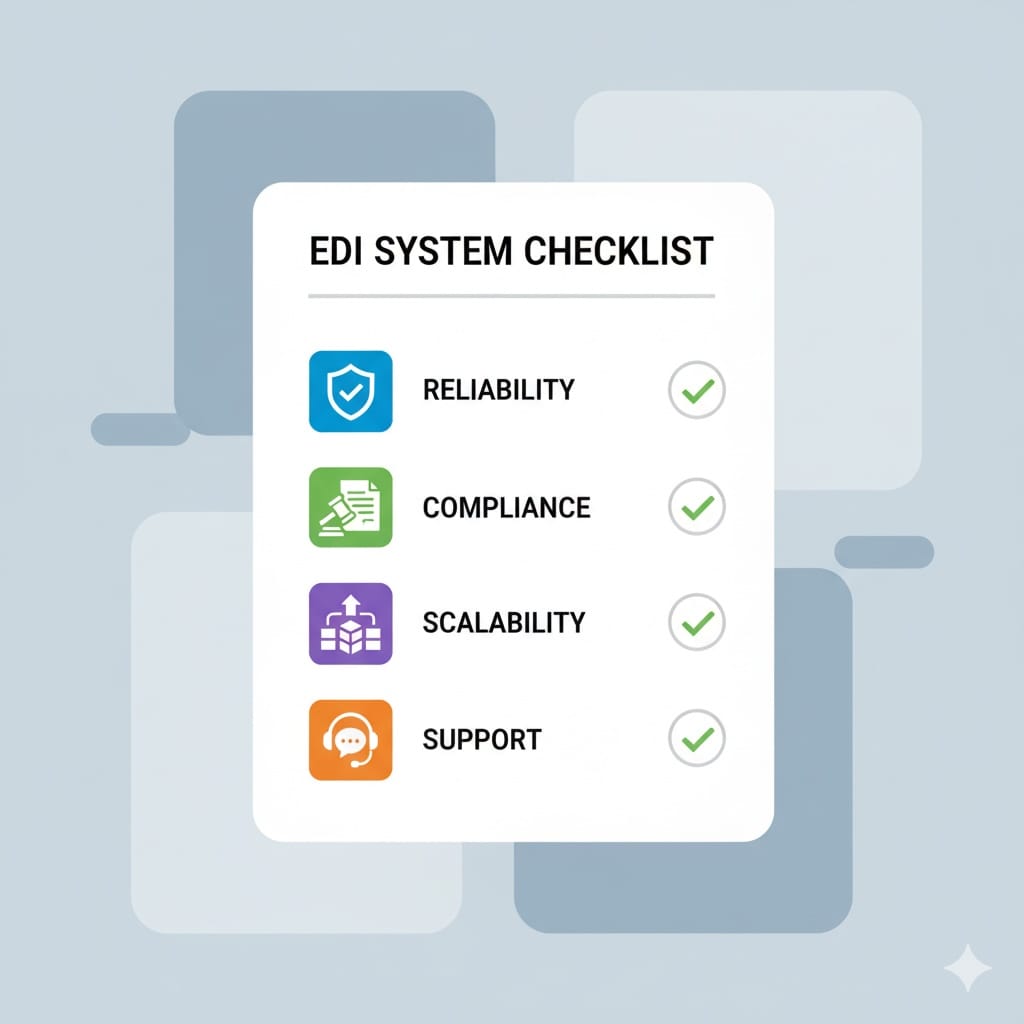
Checklist: What to require from your EDI platform
| Requirement | Business Value | BOLD VAN Evidence or Feature |
|---|---|---|
| Portal search and filtering | Speeds up audits, exceptions, and daily tracing | Search by partner, date, document, reference; 90-day live data |
| Exception and error details | Immediate root cause diagnosis, faster fixes | Browsable error logs and mapped exception fields |
| Long-term archive visibility | Enables due diligence, supports compliance, and simplifies audits | Seven years of archived data on demand |
| Migration and onboarding | Reduces disruption during provider switchovers | One-day migrations, no need to re-engage partners, free onboarding |
| Pricing transparency | Avoids surprise fees and helps CFOs forecast costs | Published monthly plans with no hidden mailbox or setup charges |
| ERP and API integrations | Allows for future automation and direct connections (NetSuite, SAP, Dynamics, more) | Ready integration options for common ERPs and APIs |
Frequently asked questions
Can I search both recent and historic EDI documents in the BOLD VAN portal?
Yes. You can directly search and filter all transactions from the past 90 days within the portal, and archived records going back up to seven years can be accessed for compliance or audit needs.
How quickly can we move to BOLD VAN if we need to switch providers?
The typical migration completes in a day, with no interruption to service and no changes required to your trading partner setups. Free onboarding for all partners is included.
What if I need to access the portal after hours or from a mobile device?
BOLD VAN’s portal is browser-based, device agnostic, and secure. You can log in easily from any supported device and location.
What makes browser-based EDI better than desktop software for troubleshooting?
Browser-based tools remove location and device constraints, make it easy to search or troubleshoot remotely, and typically provide faster, more accessible updates and features.
Is support available when I encounter a failed transaction late at night?
Yes, support at BOLD VAN is accessible 24/7 for outages or critical escalations, but the portal itself is built for self-service, so you often do not have to wait on a response to resolve most issues.