Year-end EDI invoice matching separates holiday returns from open orders by linking each invoice to its purchase order, shipment or receipt and any related return or credit. An unshipped order belongs on the open-order list. Goods already invoiced and later returned need a separate credit review, even if both records refer to the same purchase order.
BOLD VAN recommends matching at the order-line level and retaining the original references through every map into your business systems. That gives finance a way to distinguish an outstanding shipment from a returned item awaiting credit without treating either as a routine invoice mismatch.
What year-end invoice matching means
EDI invoice matching is the comparison of an EDI 810 Invoice with the commercial and operational records behind it. The EDI 850 Purchase Order establishes what was ordered. An EDI 856 Ship Notice/Manifest, when used, describes what shipped. Your receiving records show what arrived. A return record or credit adjustment explains what happened afterward.
Those records answer different questions. An open purchase order says goods may still be owed. A return says goods moved back or a return process has begun. A credit says a financial correction has been issued. Keep those statuses distinct, especially when an order was only partly shipped and some of the shipped goods were returned.
The document relationships behind the match
You need a consistent way to connect purchase order, shipment, invoice and return references, plus the relevant item and quantity. The exact references available in EDI vary by version and trading partner. Check each partner's published EDI implementation guide before designing or changing a map.
| Record | What it tells you | Close review |
|---|---|---|
| 850 Purchase Order | What the buyer requested | Identify ordered quantities still open after approved changes. |
| 860 Purchase Order Change Request | A proposed change to an existing order, when used | Check which order version drives the comparison. |
| 856 Ship Notice/Manifest and receipt | What shipped and what your records show was received | Investigate quantities in transit or disputed. |
| 810 Invoice | What was billed | Match invoice lines and totals to the applicable order and shipment. |
| 180 Return Merchandise Authorization and Notification or 812 Credit/Debit Adjustment | Return activity or financial adjustment, if the partner uses these documents | Link returns and credits to the original sale rather than reducing an unrelated open order. |
Key control: Do not close an invoice exception because an EDI 997 Functional Acknowledgment was accepted. A 997 tells the sender whether a document passed the receiver's syntax check. It can report acceptance or rejection, but it does not mean the order or its content was accepted.
A practical matching sequence for the close
Start with the current order
Gather the original 850 and any applicable order changes. Compare the current ordered quantity with quantities already shipped and canceled. If you use an 855 Purchase Order Acknowledgment or an 865 Purchase Order Change Acknowledgment/Request, keep its business response distinct from technical acknowledgment.
Match shipment and invoice lines
Connect each 810 to the applicable order and shipment records. Compare item identity, quantity, unit of measure, price, allowances and totals where relevant. A partial shipment can leave an order open while its shipped portion has a valid invoice. Do not mark the entire order billed merely because one invoice exists.
Attach returns to the original sale
If a return is reported through an 180, an internal return record or another agreed process, retain its link to the original invoice and shipped items. Then identify the associated credit, including an 812 if your partner uses one. A return authorization alone does not establish that a credit was issued. Conversely, an unmatched credit needs investigation before you apply it to a different order.
Set the cutoff and assign exceptions
Take a snapshot at your reporting cutoff, then review later receipts, returns and credits that affect the period under review. Give each exception an owner and a reason: missing shipment, quantity variance, pending return receipt, missing credit or duplicate invoice. Finance should determine the accounting treatment under your contracts and policies; EDI dates alone do not decide when revenue or a liability belongs in a period.
Where mapping errors confuse returns and open orders
A common failure is dropping the original purchase order or invoice reference as data passes from EDI into an ERP or WMS. Another is matching only at the order header, which hides partial shipments and returns on individual items. Also watch for leading zeroes, changed item identifiers, unit conversions and a credit that arrives after the reporting cutoff.
Test those situations with representative documents before relying on a year-end report. Preserve source references alongside internal identifiers and keep return status separate from credit status. If a partner changes its requirements, review its current implementation guide and retest the map rather than reusing another partner's rules.
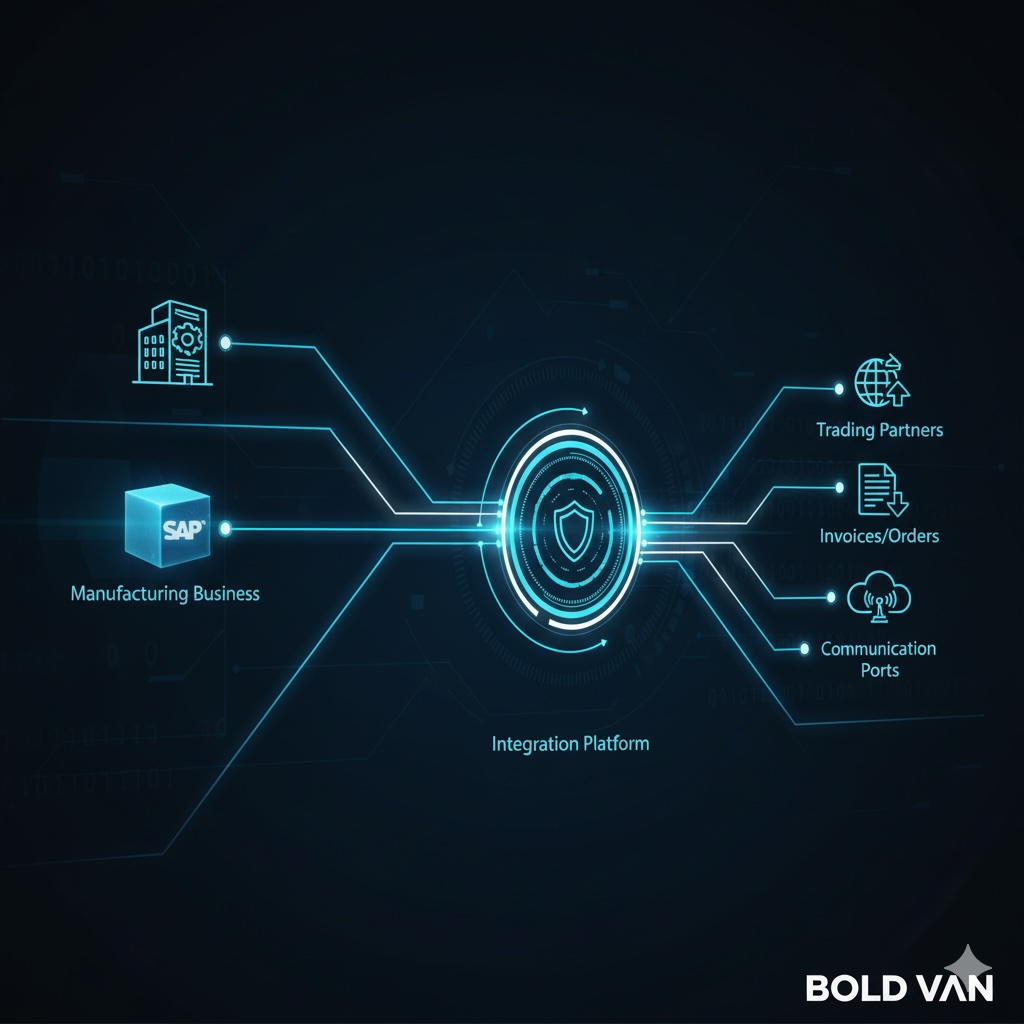
BOLD VAN maps EDI data to and from ERP systems including SAP, Oracle ERP and Infor CloudSuite, WMS platforms including ShipHero and others. Through BOLD Integration, we also connect to a platform's API when a workflow calls for EDI-to-API or API-to-EDI mapping. Every document is tracked in the portal, where customers can search, requeue and report, with notifications when something needs their attention. That document trail helps your team trace a mismatch back to its source.
Best practices for a cleaner close
- Keep separate lists: Open quantities, invoiced shipments, returns awaiting review and credits awaiting application answer different questions.
- Use the latest agreed order: Compare invoices against applicable changes, not only the original 850.
- Retain original references: Carry partner identifiers into your internal records so a credit can be traced back to its invoice.
- Review after the cutoff: Later return and credit activity may explain exceptions identified at year end.
- Test partner changes: When a trading partner changes its requirements, we update the map, and minor changes are typically handled at no cost.
Frequently asked questions
Can an open order also have an invoice?
Yes. An order can be partly shipped and invoiced while the remaining quantity stays open. Match quantities at the item level before classifying the order.
Does an EDI 180 mean a customer has received a credit?
No. An EDI 180 Return Merchandise Authorization and Notification concerns return activity. Check the agreed credit process and the related financial record separately.
What should you do with a return that has no matching credit at year end?
Keep it in a pending-credit exception queue, link it to the original invoice and ask finance to review the accounting treatment. Check the partner's published EDI implementation guide for its return and adjustment process.
Does a 997 acceptance mean an invoice was approved for payment?
No. A 997 Functional Acknowledgment reports whether a document passed the receiver's syntax check. It can report acceptance or rejection, but it does not establish business approval or payment status.
When returns, open quantities and invoices each have their own status, your close review becomes easier to explain and investigate. If you need to carry those distinctions from EDI into your ERP or warehouse workflow, BOLD VAN can help you plan the mapping through BOLD Integration.